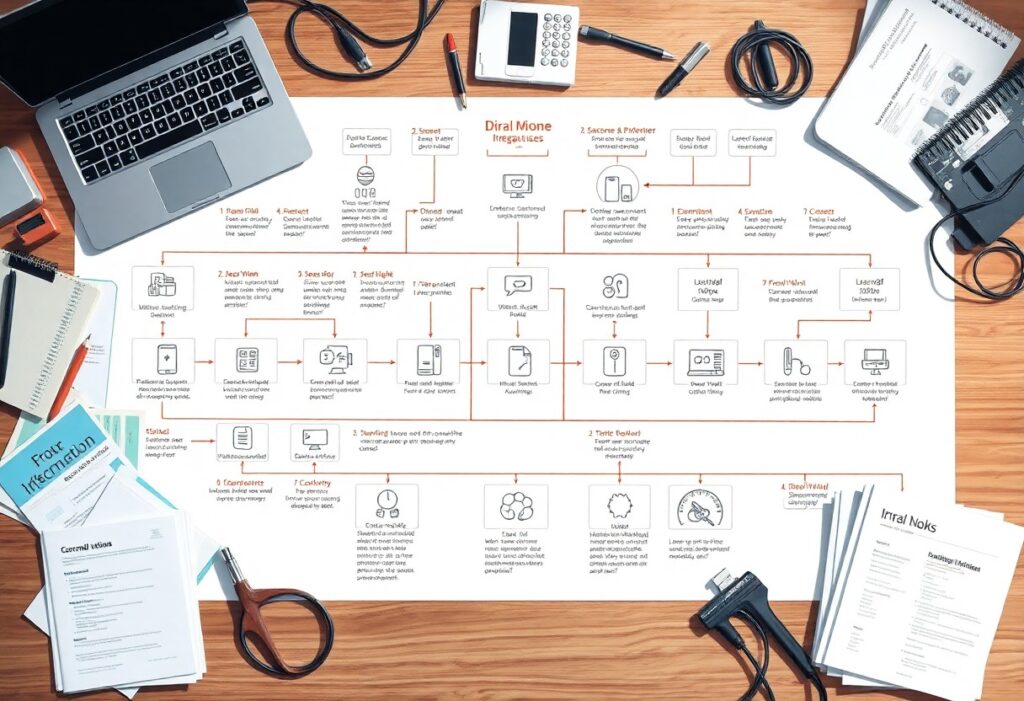
You can transform your complex automation workflows into more efficient systems by following this practical integration guide. By implementing simple strategies, you will be able to reduce inefficiencies and enhance productivity in your tasks. This guide will show you how to effectively integrate various tools and streamline your processes, allowing you to focus on what truly matters while minimizing potential pitfalls. Get ready to take your automation skills to the next level!
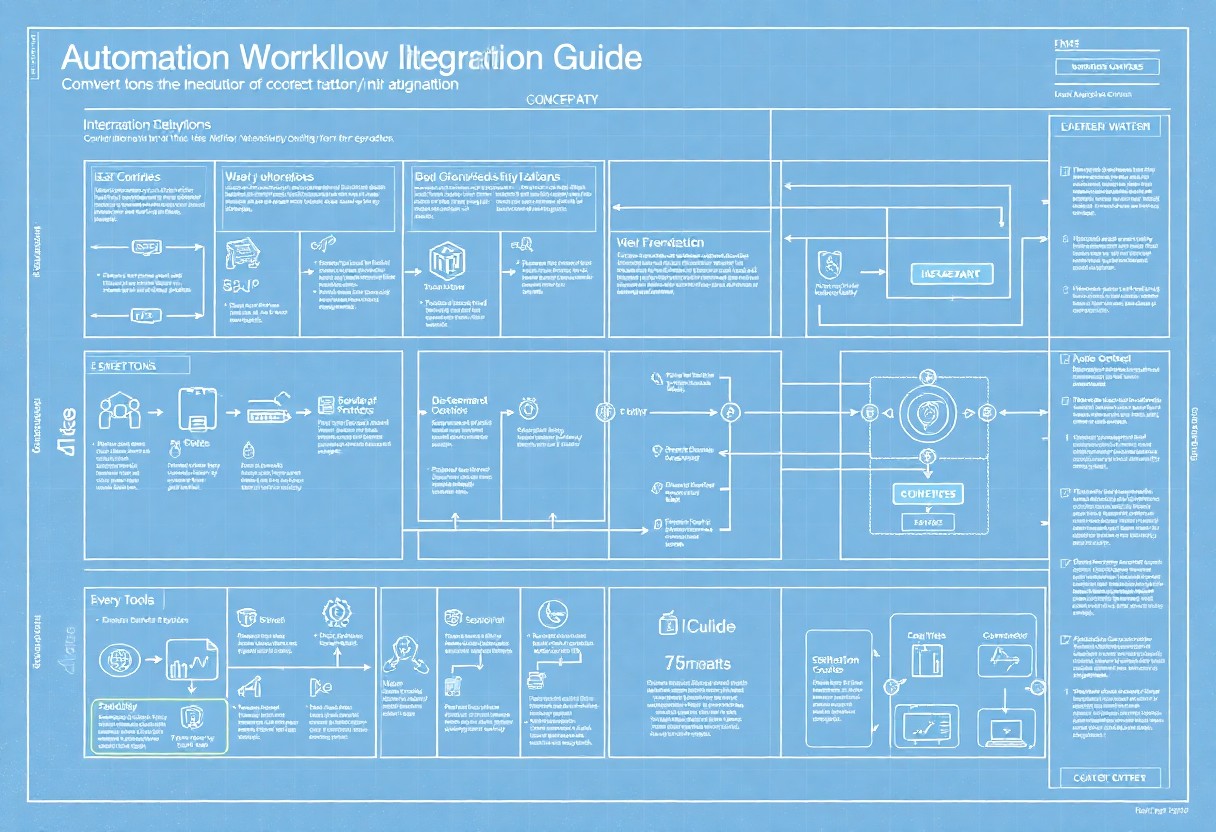
Key Takeaways:
- Identify key processes that require automation to achieve greater efficiency.
- Utilize integration tools to connect disparate systems and streamline data flow.
- Document workflows thoroughly to ensure clarity and ease of replication.
- Implement testing phases to refine automation before full-scale deployment.
- Continuously monitor and optimize workflows to adapt to changing needs.
Understanding Complex Automation Workflows
What are Automation Workflows?
Automation workflows are structured sequences of tasks that execute automatically based on defined triggers or conditions. They integrate various systems and applications, transforming manual processes into streamlined operations. For example, a marketing automation workflow may include email campaigns, social media scheduling, and lead tracking, all functioning cohesively without ongoing intervention from you.
Benefits of Streamlining
Streamlining your automation workflows enhances efficiency and reduces operational costs. By eliminating redundancies and optimizing task sequences, you save valuable time and resources. Additionally, the reduction of human error leads to improved data accuracy, which can significantly boost your overall productivity.
When you streamline, you enable your team to focus on high-impact activities rather than routine tasks. For instance, companies that have optimized their automation processes report a 30% increase in workflow efficiency. This not only accelerates project timelines but also enhances employee satisfaction, as staff can invest their energy into innovative solutions rather than mundane chores. Your organization can thus experience significant growth and improved service delivery, positioning itself ahead of competitors in a rapidly evolving market.

How-to Analyze Your Current Workflow
Analyzing your current workflow involves mapping out each step, identifying inefficiencies, and assessing how tasks interlink. Reviewing your processes with tools like flowcharts helps visualize your operation, leading to more refined automation. For comprehensive insights, check out this Practical Guide to Streamline Processes & Workflows.
Identifying Bottlenecks
Bottlenecks often appear where tasks slow down or become stagnant due to high workload or resource constraints. You can spot these hindrances by analyzing task completion rates and time taken for each step. Consider your team’s output; if certain stages consistently lag, they may require additional resources or a change in prioritization to enhance efficiency.
Gathering Feedback from Team Members
Engaging your team for feedback provides first-hand insights into workflow issues. Regular check-ins can unveil common pain points they encounter daily, allowing you to address problems directly. Incorporating their viewpoints ensures that your solutions are practical and cater to real challenges faced in the workflow.
To effectively gather feedback, consider methods like anonymous surveys or open forums, allowing team members to voice their concerns without fear. You may discover patterns in their responses that highlight persistent issues or suggestions that could streamline processes. For instance, if several members report difficulties with a particular software, it might be time to reassess its effectiveness. Creating an environment where your team feels comfortable sharing their thoughts will not only improve workflows but also foster a culture of collaboration and continuous improvement.
Essential Tips for Streamlining Processes
Streamlining processes increases efficiency and productivity, allowing you to maximize your resources. Focus on the following tips to enhance your automation workflows:
- Map out processes to visualize workflow
- Eliminate redundancies to minimize wasted time
- Standardize tasks for consistency and quality
- Involve your team for insights and collaboration
Thou will transform your workflows significantly by applying these vital techniques.
Prioritizing Tasks
To efficiently streamline your processes, assess and prioritize tasks based on their impact and urgency. Use a priority matrix to categorize tasks into four quadrants: high urgency/high impact, high urgency/low impact, low urgency/high impact, and low urgency/low impact. This approach ensures that you focus on actions that drive the most value, allowing you to allocate resources effectively while avoiding bottlenecks.
Leveraging Technology
Incorporating the right technology into your workflows can significantly boost efficiency and accuracy. Tools such as automation software and project management platforms can automate repetitive tasks, enabling you to focus on more strategic initiatives. For example, using tools like Zapier or Integromat allows seamless integration between applications, saving countless hours spent on manual data entry. By choosing the appropriate technology, you enhance collaboration and streamline processes. Thou can achieve outstanding results by integrating tech solutions into your workflows.
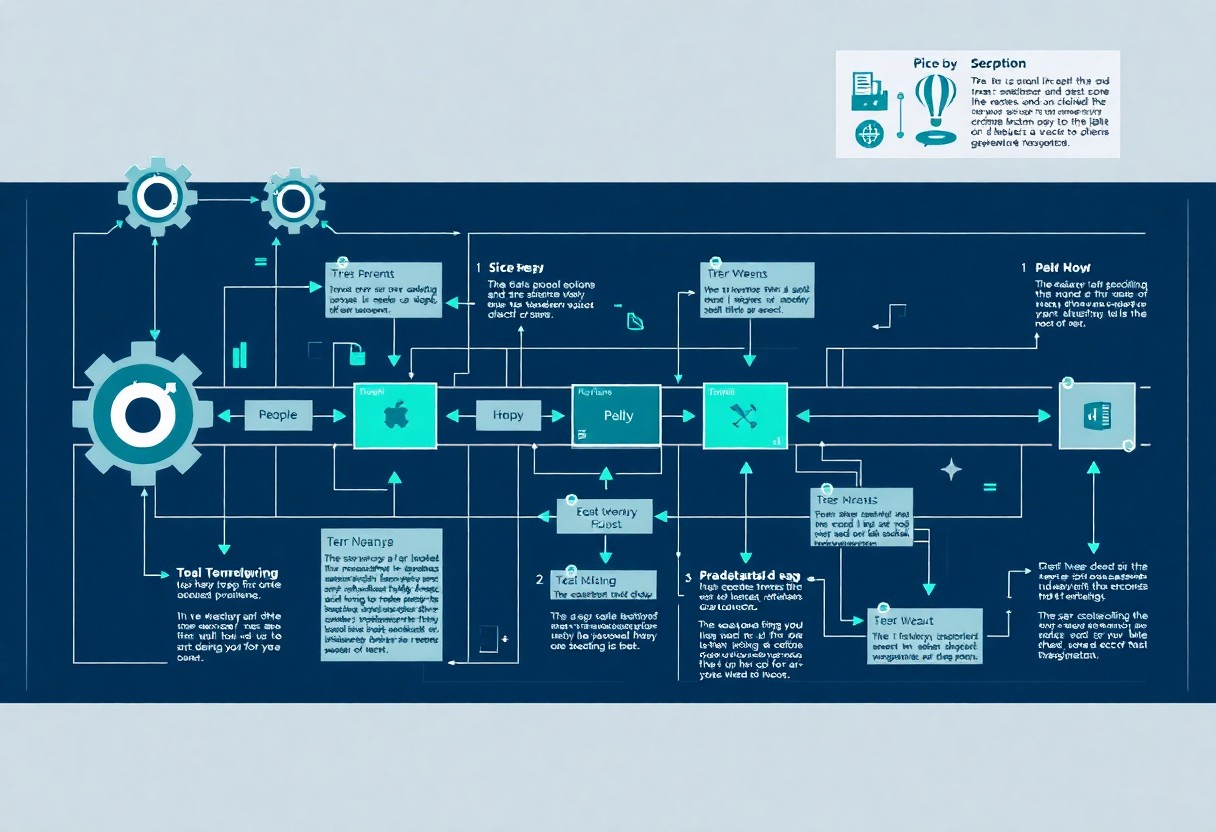
Key Factors for Successful Integration
To achieve effective integration, focus on several key factors that can significantly impact workflow efficiency. Consider the scalability of your solutions, the compatibility of tools, seamless data flow, and maintaining comprehensive documentation. Regularly review your processes and gather feedback to identify areas for improvement. This ensures your automation remains aligned with your evolving goals.
Choosing the Right Tools
Selecting the right tools is important for smooth integration. Evaluate options based on compatibility with your existing systems, user-friendliness, and support for the features your workflows require. Leveraging cloud-based solutions can enhance collaboration and accessibility, making it easier for you to adapt as your needs change.
Ensuring Team Buy-In
Achieving team buy-in is vital for the success of your integration project. Involve team members early in the decision-making process to foster ownership and commitment. Providing training on the new tools and processes can reduce resistance and enhance overall productivity.
Active participation from your team can transform your integration approach. Conduct workshops to gather input and address concerns, helping team members feel valued and heard. Share success stories or case studies that illustrate the benefits of automation, reinforcing the positive impacts on their workflows. When you involve your team, you’re more likely to cultivate an environment that embraces change and drives successful integration outcomes.
Practical Steps for Implementation
Implementing streamlined automation workflows requires a systematic approach. Begin by assessing your current processes and identifying bottlenecks. Utilize tools like flowcharts to visually represent these workflows. From there, establish a sequence of actions and allocate resources appropriately, keeping team members informed and engaged throughout the process.
Creating a Roadmap
A well-defined roadmap serves as your guide through the automation journey. Start by setting clear, measurable goals that align with your organization’s objectives. Break these down into smaller tasks, assigning deadlines and accountable parties to each step. This structured approach keeps the team focused and on track.
Testing and Adjusting
Testing your automation workflows is imperative for success. Implement a pilot phase to gauge the effectiveness of your automation. Collect data on performance, user feedback, and overall impact, making necessary adjustments to optimize efficiency before full-scale deployment.
During testing, analyze various metrics such as time savings, error rates, and user satisfaction. For instance, if a particular automation reduces task completion time by 30%, that indicates a positive outcome. In contrast, if feedback highlights user difficulties, you’ll need to modify the process or tools involved. Keeping a feedback loop active ensures continuous improvement, making your systems adaptable to change.
Maintaining Your Streamlined Workflow
Continuous improvement is key to maintaining your streamlined workflow. Regular assessments and adjustments ensure that your processes evolve along with your team’s needs. Embrace resources like The Ultimate Guide to Workflow Integration in 2025 for the latest strategies and insights to enhance your operations.
Regular Review Sessions
Establishing regular review sessions allows you to evaluate and fine-tune your workflows effectively. By gathering your team consistently to discuss what’s working and what isn’t, you create an environment of transparency and collaboration, leading to enhanced efficiency and morale.
Adapting to Change
Your workflows need to be flexible to accommodate changes in project requirements, technology, and team dynamics. Staying agile helps you quickly implement new tools or processes that can drive better outcomes, ensuring your organization remains competitive and responsive.
When adapting to change, actively seek feedback from your team to understand the challenges they face. For instance, if a new software tool is introduced, provide training and allocate time for adjustment to avoid disruptions. You may also need to revisit and revise existing workflows to incorporate innovative practices, thereby fostering an adaptive culture that thrives on progress and resilience.
Final Words
Taking this into account, streamlining your complex automation workflows can significantly enhance your efficiency and productivity. Focus on integrating the right tools, simplifying processes, and continuously evaluating your systems. You can gain a deeper understanding of effective automation strategies by exploring How to Automate Complex Workflows with AI: 5 Steps …. Embrace these practices and watch your workflows transform into a well-oiled machine.
FAQ
Q: What are the initial steps to identify complex automation workflows?
A: Begin by mapping out your current processes. Identify bottlenecks, duplicated efforts, and areas requiring manual intervention. Engage with team members to gain insights on pain points and inefficiencies.
Q: How can I choose the right tools for automation integration?
A: Evaluate your specific needs based on the tasks you want to automate. Research available tools that offer the features necessary for your requirements, ensuring compatibility with existing systems. Look for user reviews and case studies.
Q: What role does documentation play in streamlining workflows?
A: Proper documentation acts as a reference point for all team members, outlining each step of automated processes. It ensures consistency, aids in training, and simplifies troubleshooting, leading to smoother operations.
Q: How can I measure the effectiveness of my automated workflows?
A: Establish key performance indicators (KPIs) relevant to your objectives, such as time savings, error rates, and user satisfaction. Regularly review these metrics to identify areas for improvement and assess overall effectiveness.
Q: What should I do if my automation workflow is not producing the expected results?
A: Analyze data to pinpoint specific issues and gather feedback from users. Make adjustments to the workflow as needed, whether that means redefining tasks, changing tools, or enhancing training. Continuous iteration is key.