A general dental office should get help aligning its site and its schedule when the first visit is already explained and the site still offers times the book does not hold. The project makes the request match the schedule. It does not invent open chairs.
This guide covers when the site and the schedule disagree, what to settle before the project, how to make the request match the book, which signals pretend a chair is open, and what the project must not invent.
Takeaways
- Hire for this when the first visit and the office are already clear, and the site still speaks as if a time were saved.
- Treat a calendar on the page as a promise unless it is the same book the desk uses.
- Make the project change the request, the button, and the reply together.
- Leave the schedule in charge of openings. The site does not create them.
- Accept the work when a test request names the office and holds nothing.
When the Site and the Schedule Disagree
The site and the schedule disagree when a new patient can finish the page believing they have a time, and the book for that office does not have them. Sometimes the page says the quiet part out loud: "you are scheduled." More often it implies it. A calendar shows a slot, a button says "book now," and a reply says "see you soon." The desk then spends the call taking the time back. That pattern has gone past a wording tweak at the counter.
You can see it in the book itself. Notes arrive with a clock time the column never offered, or they arrive with no time and the person on the phone insists the website let them pick one. Both are the same break: the page is not reading the schedule the desk schedules from. A second calendar, a full one in the software and a friendly one on the site, will drift the week someone is out or a column fills.
This is a project when the explanation of the first visit is already settled. You know what the visit is, which offices take it, and that a request is not a hold. The remaining work is mechanical and easy to get wrong by hand: remove the false confirmation, point each office at its own column, and keep pain and consult requests off this form. Asking the front desk to patch that between patients puts the schedule and the site in two different hands, and they will diverge again by the next edit.
The General Dentistry page sells the visit, and this article is about when aligning that page with the schedule is a project rather than a counter edit. The rest of the practice's doors are on the Dental page and should not be pulled into this first-visit calendar.
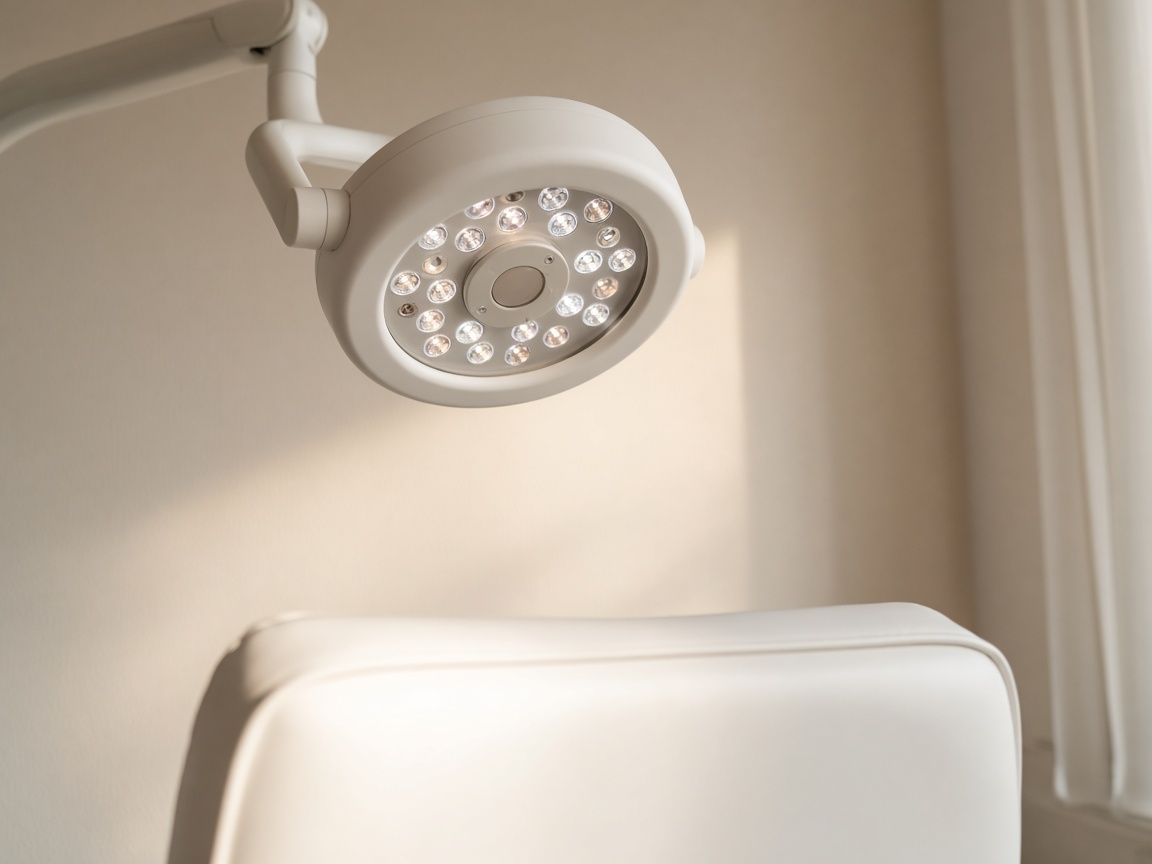
A round operating light hangs above the upper cushion of an empty white dental chair.
What Should Be Settled Before the Project
Settle the scheduling facts before anyone rebuilds the form: which offices offer a general dentistry first visit, how long that block is, who is allowed to offer a time, what the same-day book is for (so it is not quietly used to absorb new patients the page overbooked), and what a consult is (so a long conversation is not given a first-visit slot because the widget had a gap).
Write the request sentence and do not let the project soften it: we received a request for a first visit at this office, and the desk will offer a time the book holds. If that sentence is still under debate, you are not ready to align systems. You are still deciding what the page is allowed to say, so decide it and then build.
Decide the source of truth. One schedule, the one the desk already trusts, is the only schedule the site may reflect. If you want people to see openings, those openings have to come from that book, and they have to disappear when the book fills. If you cannot connect the two, do not show openings. Ask for a range of days and let the desk offer the time. A project that builds a prettier calendar on a second list has not aligned anything. It has published a rival book.
Tell the desk what they will stop doing. They will stop apologizing for times the site invented, but they will not stop owning the book. Help that promises to fill the schedule by showing more slots is offering the failure you already have, while help that removes holds the book did not make is the project.
How to Make the Request Match the Book
Make the request match the book in the order a wrong time travels: the offer on the page, the note the desk sees, and the reply the person quotes.
- Pick one schedule as the source, and list the offices and block lengths it actually uses for a first visit.
- Remove every control that confirms a time the source has not released, including buttons, calendars, and replies.
- Ask for office and a range of days unless the live book can show a real opening and withdraw it when the column fills.
- Send the note to the person who schedules that office, with the visit named as a request.
- Run a test for each office, including one office that is full, and read what the person would believe.
Step two is the bulk of the work and the part most likely to be dismissed as cosmetic. It is not cosmetic. "Book now" on a full column is a false opening, so change the words and the behavior together. A button that still writes a held time into the note has not been fixed by a softer paragraph above it.
Step five needs the full office on purpose. The test should come back as a request with no time attached, and the reply should say someone will offer an opening if one exists. If the full office still produces a cheerful confirmation, the project copied the old widget, so send it back. Also test a person who says something hurts today. They should leave this form for the emergency path, not land on the first-visit book with a time implied.
Keep a short list of lines that may not return: scheduled, confirmed, reserved, see you then, and any clock time the desk did not type. Whoever edits the page next, including you, checks the list. Alignment is not a launch day. It is the request staying true the next time the welcome text changes.
Which Signals Pretend a Chair Is Open
The site pretends a chair is open in a handful of familiar ways. The desk feels each one as a different complaint, but they share a cause: the page spoke before the book did.
| What the visitor can do | What it implies | What the schedule did | What alignment requires |
|---|---|---|---|
| Tap a clock time on the page | That slot is held at that office | The column may already be full | Show the slot only if it is the live book, or do not show slots |
| Read you are all set | Travel and time off are safe | A note was stored | Say the desk will offer a real opening |
| Pick an office that is not taking first visits | That book has room | It may not | Offer only offices that hold this visit |
| Use the same form for pain | A first visit will handle today | The same-day book was never asked | Move pain off this form |
| Receive one reply for every office | All columns match | They often do not | Name the office in the reply and hold nothing |
Go through the table with the scheduler, not only with the person building the page. Ask which row they undid last week, because that row is the first build task. If they say the calendar is the whole problem, believe them and take it off until it is the same book. If they say the reply is the problem, rewrite the reply even if the form fields look right.
A full book is a valid outcome, and alignment includes saying so without inventing another office's chair to hide the fullness. The page can say this office's first-visit book is full and the desk will offer the next opening, or another office if you truly have one. It cannot move the person onto a time that was never there.
What the Project Must Not Invent
The project must not invent open chairs, shorter visits, or offices. If the book is full, the site says the request is in and the desk will offer what exists. Adding phantom slots to make the page look available recreates the angry call, and adding a second location the practice does not run is the same fiction with a new name.
It must not invent a confirmation to sound more serious. Practices ask for language that feels definite because a request sounds weak, but weak is the wrong worry. A false definite is how people take time off for a chair you do not have. The desk can be definite later, about a real opening, in their own words, and the page stays a request until that moment.
It must not pull other visit types onto this calendar to fill gaps. An emergency that needs today's window, or a consult that needs a longer block, is not a first visit that happened to find a hole. Stuffing them here makes the schedule look aligned while the wrong length is held. Those doors get their own requests, and this project is allowed to link to them but not to book them as new patients.
When the tests pass, you should be able to describe the page in one breath: first visit, this office, request only, time comes from the book. If the description needs a "however" about the calendar, the project is not done. Leave it unfinished rather than launching a partial widget, since a half-connected calendar is the very disagreement you hired help to end.
Questions
When Is Aligning the Site and the Schedule a Project?
When the first visit and the office are already explained, and the site still confirms or implies times the book does not hold. Patching a sentence at the desk will not keep a calendar, a button, and a reply tied to the real column. That is build work.
What Has to Be Decided Before Help Starts?
Which offices take a first visit, how long the block is, who may offer a time, and which single schedule is the source. Also the request sentence, already agreed. Without that, the project will design a second book.
Should the Page Show Open Times at All?
Only if those times are the live book and they disappear when the column fills. If the site cannot read that book, ask for a range of days and let the desk offer the time. A separate calendar will drift.
What Should Happen When an Office's Book Is Full?
The page should accept a request without holding a time, and the reply should not invent a chair. The desk offers the next real opening, or another office only if that office truly sees first visits. Full is allowed. Fiction is not.
What Would Mean the Project Failed?
A test for a full office still reads as a booked time, or pain and consults still land on the first-visit calendar. Also any new slot that does not exist on the schedule. The job was to match the request to the book, not to manufacture openings.
Conclusion
Hire help to align the general dentistry site and the schedule when the first visit is settled and the page still confirms times the book does not hold. The project makes the request match the schedule, and it does not invent open chairs. You will know it worked when a test names the office, holds nothing, and the desk is the one that offers the time.
When you are ready to decide when aligning the site and the schedule is a project, Speak With Us.