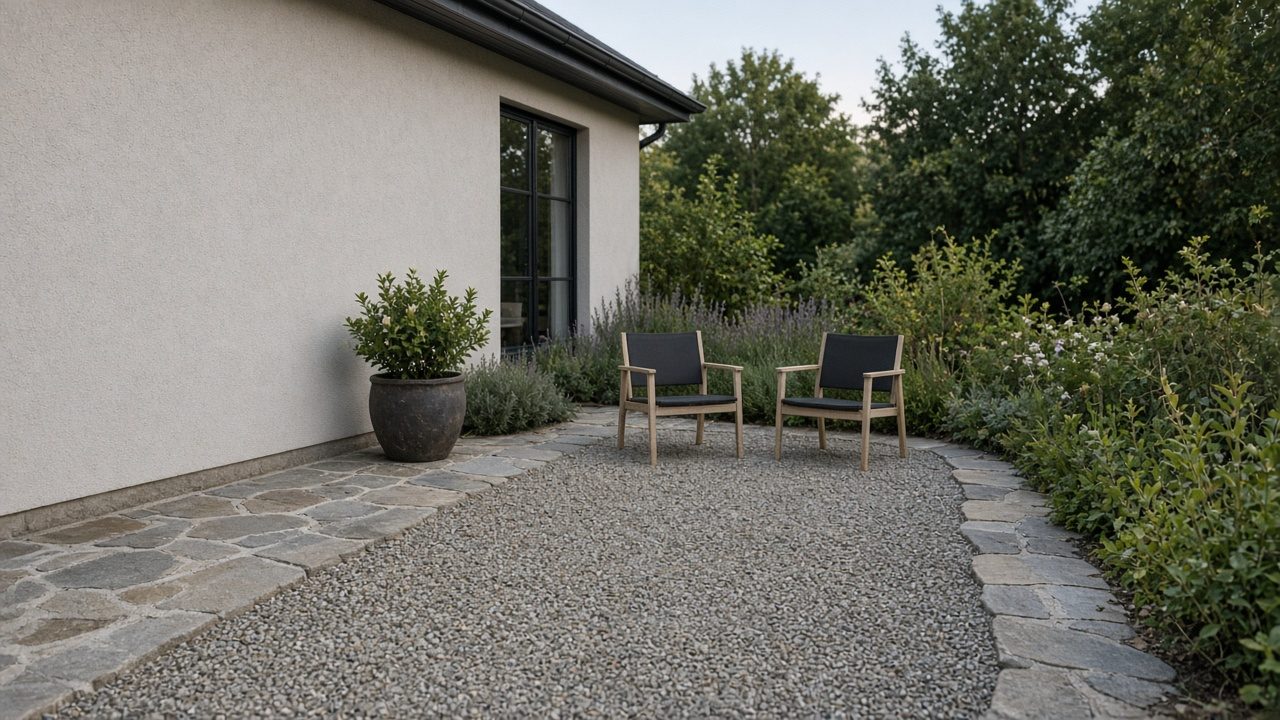
A landscaper who does both should show one of them as the main offer and give the other its own door. Design-build asks for a conversation, a scope, and a finished day. Weekly maintenance asks for a route and a return visit. The homepage, the next step, and the work the crew actually does have to agree before either offer is promoted.
This guide covers what each offer asks of a visitor, when each should lead, what breaks when the homepage pretends they are one offer, and how to give each its own door.
Takeaways
- Lead the site with the offer the week is built to deliver.
- Give design-build and weekly maintenance different next steps.
- Let project photos sell projects, and let the route sell return visits.
- Split the homepage when one button is trying to book both jobs.
What Design-Build Asks of a Visitor
Design-build asks a visitor to picture a job with a beginning and an end. They are deciding whether to trust you with a yard that will look different when you leave. They need to see the kind of install you take, the scale you are willing to handle, and how a stranger starts that conversation.
The page should show finished work you would repeat, with words that name the scope: a new bed, a replanted front, a small hardscape piece your crew builds, a seasonal color install with a clear stop date. The visitor should be able to say, in their own kitchen, what they would be buying. If the only words are praise for the result, they will invent the scope, and the invention will be whatever they need this month.
The next step is a conversation, then a visit if the job fits, then a written scope. A button that books a crew for the coming week fights that order. Design-build work is sold when someone agrees to a defined job, and it is mishandled when the site treats it like an open slot on a route.
A visitor who only wants the grass cut will feel the mismatch if the page is honest, and that is useful. Send turf-only requests toward the offer that actually mows, and keep this door for people who want something built or replanted.
What Weekly Maintenance Asks of a Visitor
Weekly maintenance asks a visitor to picture you coming back. They want to know what happens on a normal stop, how often you come, and what is included before anyone talks about a rebuild. The decision is whether this yard joins the route, and the page should help them make it.
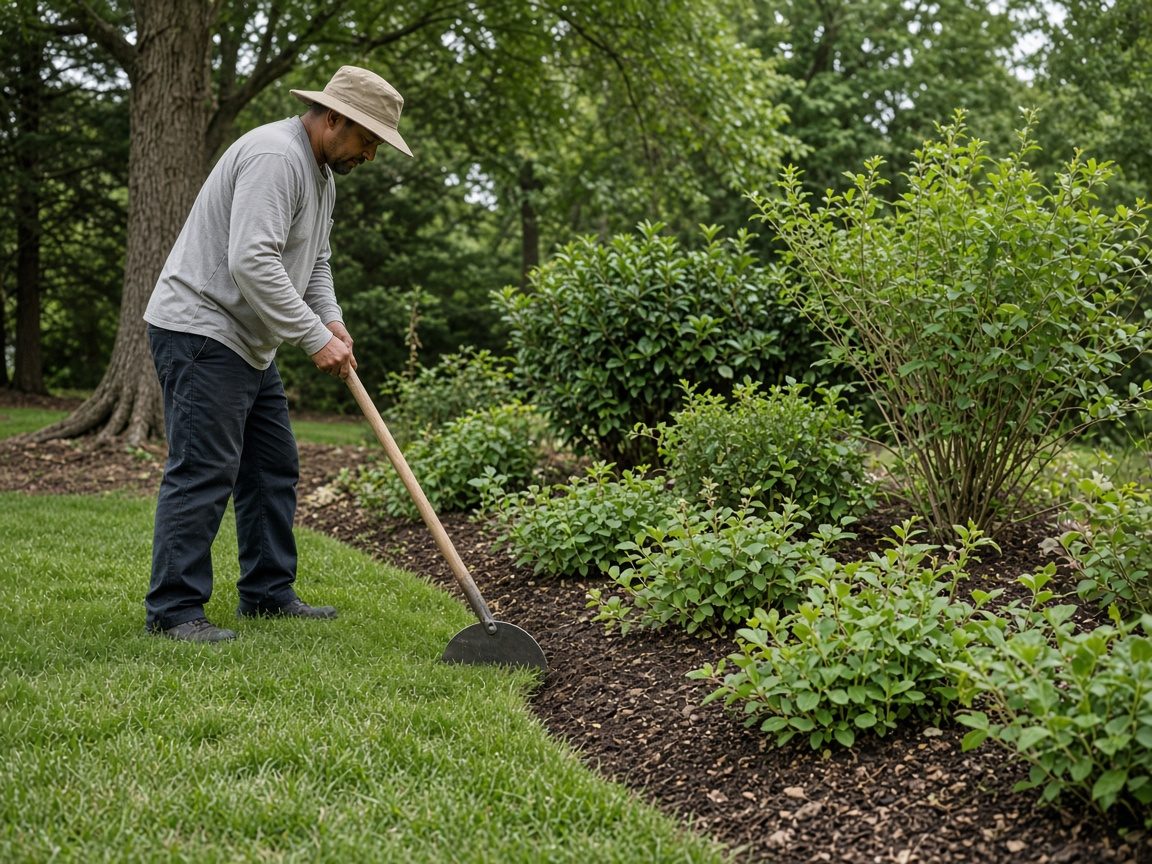
Name the stop in tasks a homeowner already understands: bed care, weeding, pruning within an agreed shape, blowing off hard surfaces, a check of what was planted last season. Say what the stop leaves alone. A maintenance page that shows a full redesign as its first image teaches the wrong hope. The visitor thinks the first Tuesday will remake the yard, while your crew thinks Tuesday is a stop with a time limit.
The next step can be shorter than a design conversation, but it still has to confirm the yard fits the route: access, the rough size of the beds, and whether they want care of what is already there. A form that asks them to describe their dream garden collects design leads on a maintenance button.
People who want a one-time cleanup and people who want a season of return visits can both land here if you blur the words. Say whether the offer is a repeating stop. A single cleanup can be its own line, but it should stay off the weekly promise unless you fold cleanups into the route.
When the Project Work Should Lead
Project work should lead when the jobs you want next are designed installs, and the route exists to care for work you already built or to fill specific days. The homepage then opens on the kind of project, the proof you can describe, and a path into a design conversation.
Look at the board for the coming month. If the open capacity is crew days for installs, the site should recruit installs. Maintenance customers can still find their door, but they should find it as a second path with its own name, so they do not fill the design calendar with weekly asks.
Project-first also fits when your best photos are builds and the weekly work would be misread if it led. A company that designs fronts and then offers light care afterward can say that order out loud. Care follows the build for properties you already know. It is a poor headline if most of the week is still open for new construction of the landscape.
If you are unsure, write the sentence you want a new caller to repeat. When that sentence names a finished project with a scope, the project offer leads. When it names a day of the week and a list of chores, it does not, and the next section is the better fit.
When the Weekly Work Should Lead
Weekly work should lead when the business is a route. The call you want is a homeowner whose beds or yard need a repeating visit. Design-build can remain available for people who already know you, or for a separate page that asks for a real project, but it should stop being the costume the homepage wears.
Check how a new stop actually starts. If you can describe the first month as a series of visits with a stable task list, the public offer is maintenance. A homepage full of before-and-after builds will attract people who want the after, and they will be disappointed by a crew that weeded, edged, and left. You will be disappointed by a lead that needed a designer and a material list.
Weekly-first also fits when project work is occasional and disruptive. A build that pulls the crew off the route for days is a different product. Show it where a visitor can opt in, with a clear warning that it starts with a conversation and a scope, and keep the homepage button tied to the stop you can repeat.
Turf-only routes have a neighboring home. When the weekly promise is mowing and the landscaping promise is beds and planting, give mowing its place on the lawn offer and keep bed care on the landscaping maintenance door. Mixing them into one headline makes both callers guess.
What Breaks If the Homepage Pretends They Are One Offer
The homepage breaks when a visitor cannot tell whether they are asking for a build or a route. One company can do both, but one screen that describes them as a single purchase teaches people to expect the build and the route in the same yes. The crew then inherits a job nobody scoped.
| What the homepage does | What the visitor assumes | Where it breaks |
|---|---|---|
| A finished-garden photo with a weekly-visit button | Design and weekly care are one purchase | Design calls land on a route day, or route calls fill a design slot |
| Every task listed at the same weight | There is no main offer | The form arrives as a blur the office has to sort |
| Project photos plus a promise of ongoing care | The build includes return visits the route may not run | The calendar absorbs work it was not built to hold |
| A maintenance headline over a redesign gallery | The first visit will rebuild the yard | The stop becomes a sales talk the customer did not ask for |
The break shows up in the first phone call. Listen for people who use both vocabularies in one breath. They want the garden in the photo, and they want someone every week, and they think those are the same agreement. Your reply will be a correction, and after a few of those calls, the page is the thing that needs correcting.
A second break is internal. The person who answers the phone starts inventing a path because the site never chose one. Sometimes they book a visit, and sometimes they start a design conversation. Two callers with the same need get two different next steps, which means the homepage is doing the job of a coin toss.
Fix the pretend offer before you add more photos. More proof of both kinds of work, stacked on one screen, makes the confusion look official.
How to Give Each a Door
Give each offer a door when you can point to a page, a next step, and a task list that belong to it alone. The doors can live on one site, but they cannot share a single vague button.
- Write the one sentence the homepage will lead with, naming either design-build or weekly maintenance.
- Write a second sentence for the other offer and name the page where it lives.
- Point the main button only at the lead offer.
- Add a text link to the second door, using the name of that work as the link.
- Match the form or the call script to the lead offer, and open a separate path for the other.
- Read both doors as a stranger and say which job you would be requesting on each.
Put the lead offer where the eye lands first: the headline, the first image, and the button. Put the second offer where a person who already knows they want it can find it, lower on the page or on its own URL. A sentence that says you also care for beds on a route is a door. A gallery that mixes both without labels is a hallway.
Use the Landscaping page for the offer you want this trade to be known for. If the second door is really turf on a route, Lawn Care is the neighboring place for that work. Home & Property Maintenance is the wider group, and it is the wrong place to hide the choice. The choice belongs on your homepage, in words a homeowner can repeat.
Triwave Consulting looks at that agreement first. The page, the next step, and the work have to say the same thing. The order after the agreement is Initial Contact, then Detailed Discussion, then Implementation. Initial Contact is you saying which offer leads and which calls are showing up anyway. The Detailed Discussion separates the two doors until each has its own sentence and its own path. Implementation is publishing those doors and answering the phone with the same split.
Questions
Can Both Offers Share the Homepage?
They can share the site, but the homepage still needs a lead. Put the main offer in the headline and the button, and give the second offer a named link that goes to its own explanation and its own next step. A homepage that introduces both as equals asks the visitor to do the choosing you skipped.
What If Weekly Stops Carry the Week?
Then weekly maintenance should lead, even if the project photos are prettier. Beauty is a weak guide when the open capacity is route time. Keep a project door for people who ask for a build, and let the first screen recruit the stop you can actually add.
Should Project Photos Sit Above the Maintenance Offer?
Only when project work is the offer you want next. Photos teach faster than paragraphs, so a redesign gallery above a weekly headline will be read as the headline. If maintenance leads, choose images of a cared-for bed on an ordinary visit, and put the build photos on the project door.
How Does a Past Customer Ask for the Other Service?
Give them the second door by name when they ask. A maintenance customer who wants a rebuild should land in a design conversation with a scope, instead of having the build tacked onto next Tuesday. A project customer who wants return visits should hear what the route includes and what it leaves out. The relationship can continue while the agreement changes on purpose.
What Should the Form Ask When You Do Both?
Ask which door they mean, in the words you use on the site. A single comments box will mix builds and routes in one pile. Follow the choice with the few facts that door needs: area and timing for a project, or bed size and access for a route. Leave the other door's questions off that path.
Conclusion
Show design-build or weekly maintenance as the offer the site is mainly for, and give the other a real door. The homepage, the button, and the work on the truck have to describe the same job. When they do, a new visitor can tell what they are asking for, and your week stops inheriting the other job by accident.
When you want the landscaping site to lead with one offer and give the other its own door, Speak With Us.